Hotels have moved on from coaxial cable and satellite splitters. Guests now expect sharp live channels, quick menus and familiar apps on the room TV. At the heart of a modern hotel TV system sits an IPTV encoder. In this guide the nobiptv team explains what a hotel encoder does, what to look for and how to plan an installation that runs without complaints from guests.
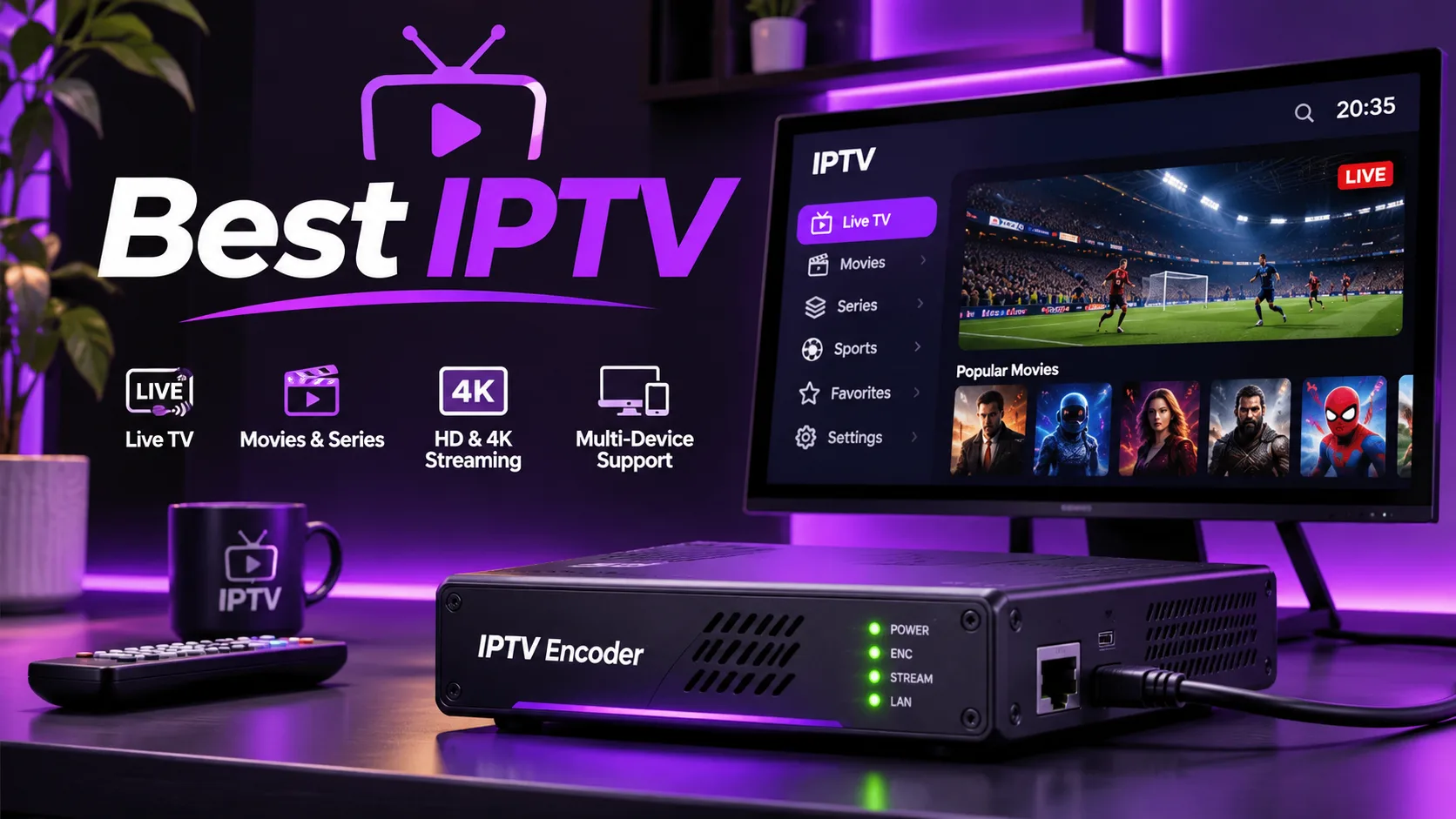
What a Hotel IPTV Encoder Does
An encoder takes TV signals from satellite receivers, terrestrial tuners or HDMI sources and converts them into compressed IP streams. Those streams travel over the hotel’s existing network to set-top boxes or smart TVs in each room. Instead of running separate cables for TV, the property uses one IP network for internet, TV and often in-room services.
Features That Matter Most
- Channel density: how many channels one unit can encode at the same time.
- Codec support: H.264 for compatibility, H.265 (HEVC) for lower bandwidth in 4K.
- Multicast output: essential so one stream can feed hundreds of rooms efficiently.
- Remote management: a web interface to monitor and adjust channels without visiting the rack.
- Redundancy: dual power supplies and failover so a fault does not black out every room.
- Low latency: important for sports bars and live events in the hotel.
- Integration: compatibility with the hotel’s middleware, TV portal and property management system.
Choosing the Right Type
| Property size | Typical choice |
|---|---|
| Small guesthouse (under 30 rooms) | Compact multi-channel HDMI encoder |
| Mid-size hotel (30–150 rooms) | Rack-mounted multi-channel encoder with multicast |
| Large resort (150+ rooms) | Modular headend with redundant encoders and middleware |
Planning the Installation
- Audit your sources: list every channel and where it comes from.
- Check the network: switches must support IGMP snooping for multicast.
- Size bandwidth: roughly 4–8 Mbps per HD channel and 15–25 Mbps per 4K channel.
- Configure channels: set codecs, bitrates and multicast addresses.
- Test in a few rooms: check picture quality, channel change speed and audio sync.
- Roll out and monitor: watch error logs and guest feedback during the first weeks.
Costs to Expect
Entry-level HDMI encoders can cost a few hundred dollars per channel group, while full hotel headends with redundancy, middleware and installation can reach tens of thousands. Remember to budget for network upgrades, set-top boxes or smart TV licences, and ongoing content licensing.
Mistakes Hotels Often Make
- Skipping multicast configuration, which floods the network.
- Choosing bitrates too low, giving blocky pictures during sport.
- Ignoring redundancy, so one failure affects every room.
- Forgetting licensing for redistributing channels to guests.
Licensing Comes First
Showing channels to hotel guests is usually a commercial public performance. Make sure you hold the right licences from broadcasters or an authorised hospitality provider before going live.
Frequently Asked Questions
Can a hotel reuse its existing network?
Often yes, provided the switches support multicast and there is enough capacity for TV traffic alongside guest Wi-Fi.
Do rooms need set-top boxes?
Not always. Many hospitality smart TVs can play IP streams directly with the right app or portal.
How is this different from a home service like nobiptv?
Hotel encoders create and distribute channels inside one building. A home service such as nobiptv delivers ready-made channels over the internet to individual households, with no hardware to install.
Final Thoughts
A good hotel encoder setup is invisible to guests: channels simply work. Plan your sources, network and licences carefully and the system will run for years. For TV at home rather than in a hotel, see the nobiptv plans or read more guides on the nobiptv blog.